How to Become a SnowCrew Shoveler (18+)
What you need to shovel on SnowCrew, how payouts work, the photo and timing rules, and how to keep good ratings so customers pick you again.
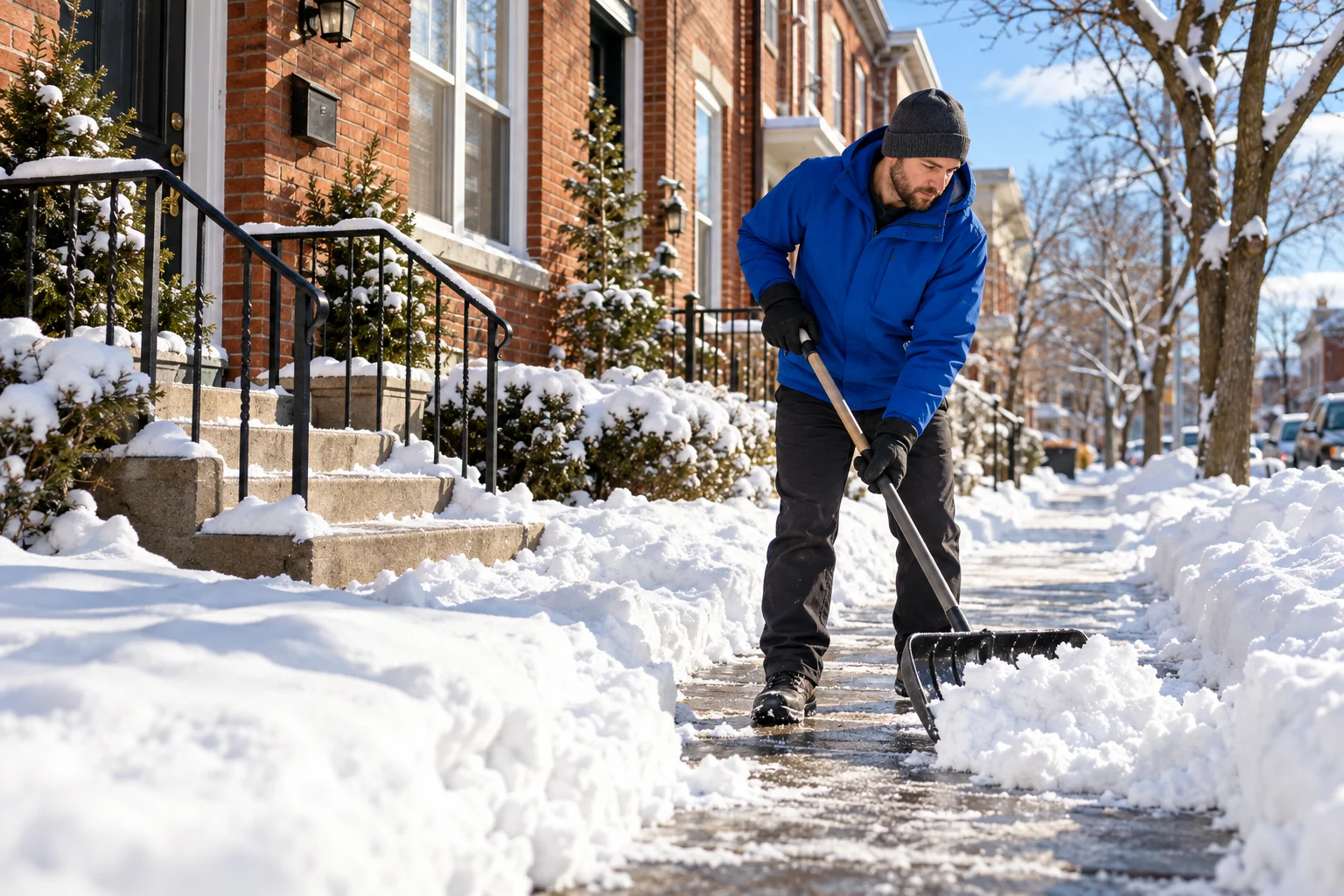
Now on iPhone, Android and the web
Your sidewalk, steps, or driveway.
Cleared by someone nearby.
Meet SnowCrew. A simpler way to find local snow-clearing help—or earn money helping out.
Post from your browser, or get the free app. Good with a shovel? Earn money shoveling.
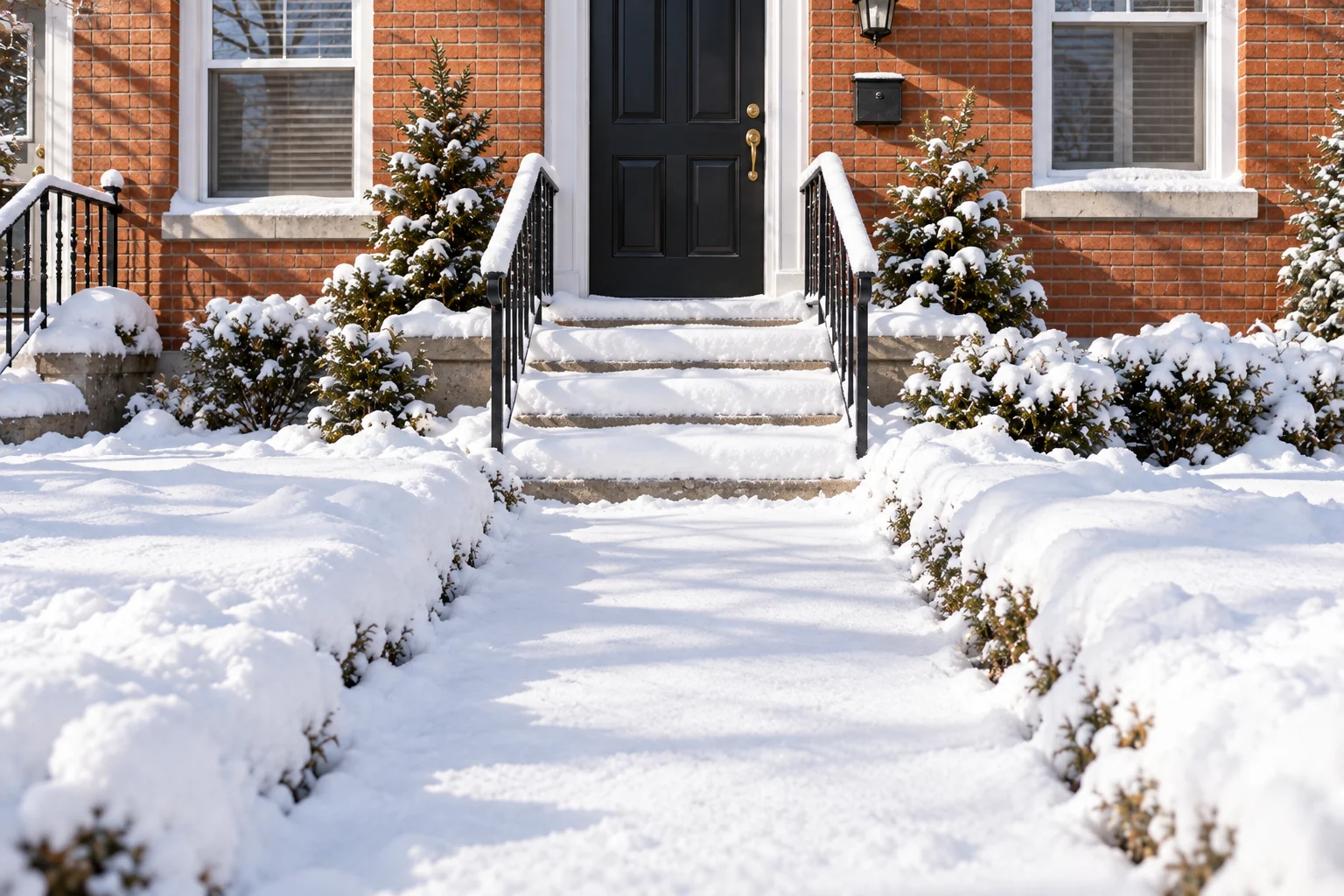 Before
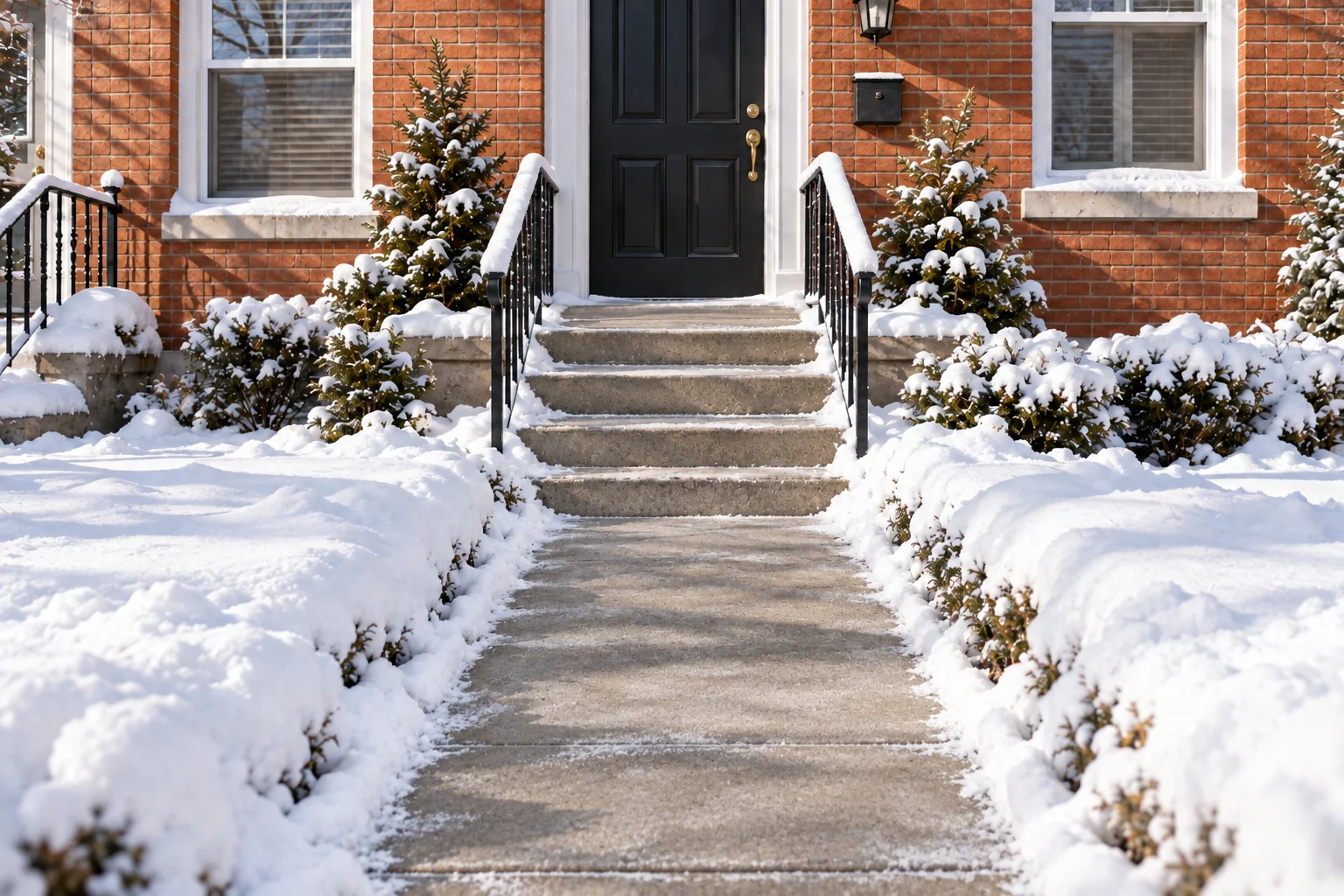 After
A little help. A lot more winter back.
Meet your snow day plan
Less figuring it out. More getting on with your day.
Choose the areas that need clearing, add the details, and set your price.
Your place. Your priorities.A local shoveler picks up the job. Message in the app to keep the details clear.
Someone nearby, ready to help.Review the before-and-after photos and approve the completed work in the app.
See the difference for yourself.From your front door
Know what you’re asking for.
See what’s been done.
Explore an example. This is a walkthrough, not a live job.
 Your jobIllustrative example
The details
Please clear a path from the front steps to the sidewalk.
You’re connected
Full address shared with your shoveler.
Keep instructions and updates together in the app. Booking depends on local shoveler availability.
Sidewalk + front steps
A clear view of the work. Review the photos in the app, then approve or flag anything that needs attention.
Images are generated illustrations, not actual customer job photos.
Clear from the start
You choose what to offer for the job. We add a 15% service fee. Your shoveler keeps the full job price and every dollar you tip.
See how payments workAn illustration, not a quote or recommended price. Sales tax is added where the law requires it. Availability varies. You’ll confirm the current fee and total in the app. Tips are optional and extra.
A temporary card hold reserves the total.
Your card is charged when a shoveler accepts.
Approve the work, or it auto-approves after 3 days.
No download needed
Everything a customer does in the app also works in a browser, on a computer or a phone.
One account. Sign in on the web or in the app and see the same jobs.
Help from far away. Get a parent’s walk cleared from wherever you are.
Same price, same photos. Approve the work from the before and after photos.
Alerts come from the app, so get it too if you want to hear when your job is booked or finished. Shoveling happens in the app.
Good with a shovel?
Turn a snow day into a chance to earn. Find nearby jobs, choose the ones that fit, and help someone get their day back.
of your job price.
And 100% of your tips.
Jobs that work for you. Pick from available jobs nearby.
Your gear. Your effort. Bring your own equipment and a little winter grit.
Get set up to earn. Ages 18+. Payout setup through Stripe.
Independent work. Availability and earnings vary. Payout timing depends on your Stripe account.
Snow-day guides
Sidewalk rules, fair prices, and how to earn clearing snow.
What you need to shovel on SnowCrew, how payouts work, the photo and timing rules, and how to keep good ratings so customers pick you again.
What hired snow shoveling typically costs per visit and per hour, what changes the price, and how to set a fair price for your driveway or sidewalk.
Shoveling strains the heart and back, and the cold can cause frostbite. Here is who should skip it, the warning signs to stop for, and what to do instead.
SnowCrew is free on the App Store for iPhone and on Google Play for Android. It’s one app whether you need snow cleared or want to earn clearing it. Shoveler availability varies by area, so a job isn’t guaranteed to be booked.
Yes, if you need snow cleared. You can post a job, pay, message your shoveler and approve the work in a browser at app.getsnowcrew.com, with the same account as the app. Alerts come from the app, so on the web you’ll want to check back on your job. Shovelers need the app, because the before and after photos are taken with the phone’s camera.
Post a job for areas such as your sidewalk, front steps, walkway, or driveway. Add clear instructions about the area and any extras you need so a shoveler knows what they’re taking on.
Independent local shovelers choose available jobs through SnowCrew. They are not employees, and SnowCrew does not background-check or insure them. Stripe’s payout identity checks are not background checks. Your full address is shared only with the shoveler who books your job.
A temporary hold is placed when you post. Your card is charged when a shoveler books the job. If no one books it, the hold is released. After completion, approve the work in the app; if you don’t respond, it automatically approves after 3 days. Shoveler payment is released after approval.
Review the before-and-after photos in the app. You can send work back up to two times with a reason. If there’s still a problem, report it for BlockCrew to review. Be sure to respond within the 3-day review window.
Where the law requires it, sales tax is added to the job price and service fee and shown before you post. It isn’t part of the shoveler’s pay, and tips aren’t taxed.
You must be at least 18, bring your own equipment, and complete payout setup through Stripe. You choose which available jobs to accept. You keep the full job price and tips; there’s no promise of a certain number of jobs or level of earnings.
Free on iPhone and Android
Post a job or pick one up nearby, all in the SnowCrew app.
On a computer? Post a job online
Shoveler availability varies by area, so a job isn’t guaranteed to be booked.